
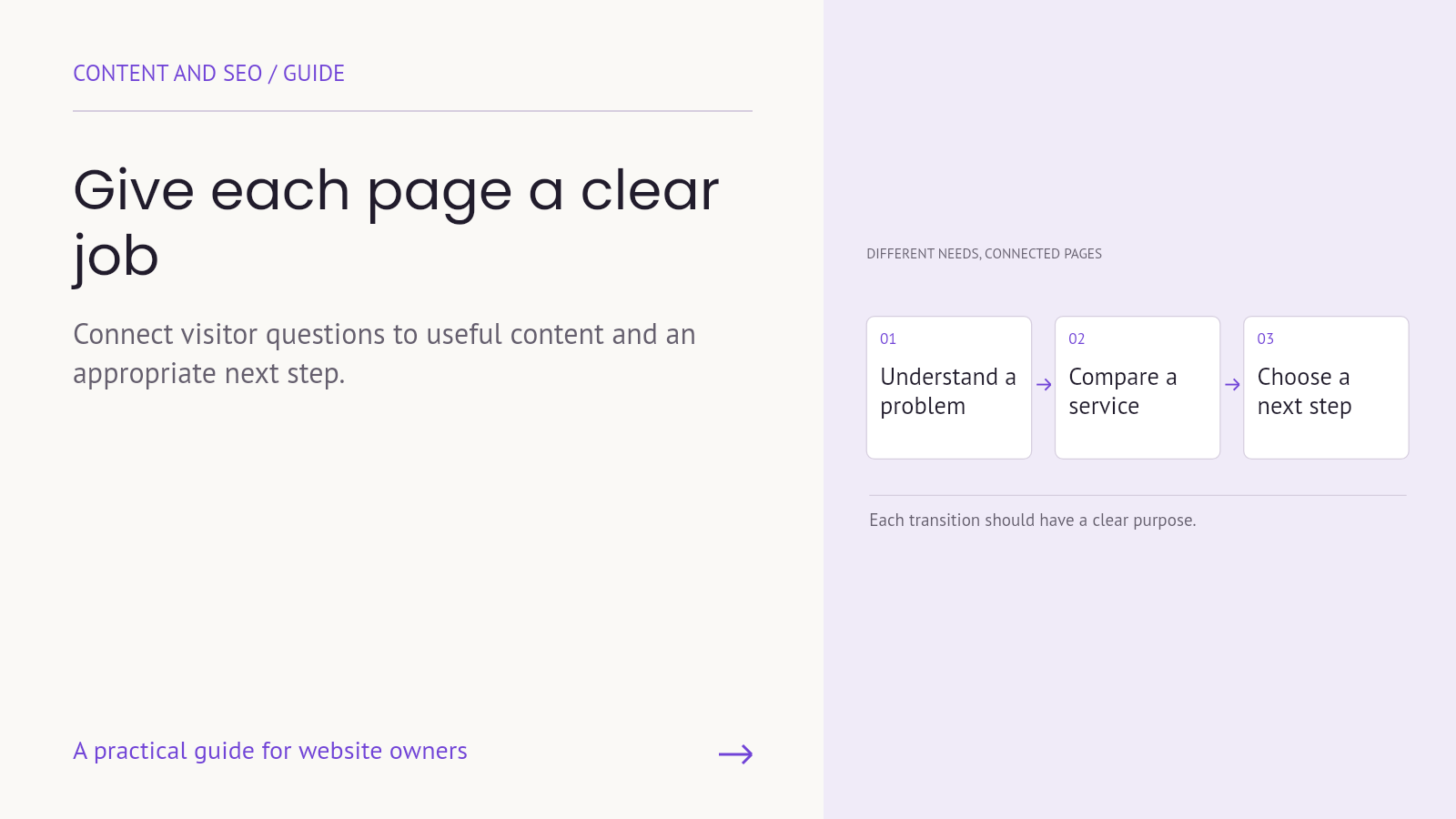
A website can publish many pages and still leave important customer questions unanswered. Sometimes several articles repeat the same introductory information while the service page never explains scope. Sometimes one page attempts to educate beginners, compare solutions and close a sale without a coherent order.
Search intent mapping is a way to connect visitor needs with the pages best suited to answer them. It helps a team decide what belongs together, what needs a separate page and how those pages should connect. It is not a rule that each page may contain only one keyword.
Start with a task behind the query
A search phrase is a clue to a need, not a complete description of the person using it. Someone searching about a slow website may be trying to understand a symptom, investigate a fix or find professional help. The wording and context can suggest different possibilities.
Write the likely task in ordinary language. “Understand why the main content appears late” is more useful for planning an educational article than a list of loosely related terms. “Compare the responsibilities included in a support service” suggests a different page with different evidence.
Validate assumptions with the information available to the business: recurring customer questions, relevant search data and the current search results for the intended market. Search results can inform the assessment, but they are not a command to reproduce a competitor’s structure.
Use search intent mapping to group related questions
Questions belong together when they support a coherent task. An article explaining a WordPress performance audit may reasonably discuss test conditions, media, scripts and retesting. Those are related parts of the same investigation.
A service page can then explain what professional support covers, who is responsible for the work and how an inquiry begins. It does not need to duplicate the entire educational article. The two pages serve connected but distinct decisions.
Labels such as informational or commercial can be useful shorthand, but the page brief should go further. Specify what the reader needs to understand or do after using the page. A label alone does not tell a writer which details are missing.
Inventory what the site already has
Before commissioning new articles, review existing pages. Record the URL, title, main visitor question, current role and any obvious gaps. Include service pages and useful older articles, not only the newest blog posts.
Look for pages that serve the same need with substantially overlapping information. Also look for orphaned questions: important topics raised in sales conversations that have no useful destination on the site. The solution may be improving an existing page rather than adding another URL.
Do not merge or remove pages simply because they mention the same phrase. Two pages can share vocabulary while supporting different tasks. Evaluate their purpose, content and available evidence before proposing a structural change.
Write a short brief for each priority page
A practical brief can fit into six fields:
- The intended visitor and the task they are trying to complete.
- The main question the page should answer.
- The related questions needed to complete that answer.
- The evidence or approved business information required.
- The primary action or useful next destination.
- The owner who can verify and maintain the content.
Choose a primary keyword to organize the editorial brief, then use natural language that reflects the topic. Do not repeat the phrase in every heading or create near-identical pages for minor wording variations.
Google’s SEO Starter Guide discusses useful organization, understandable links and content that helps readers. These fundamentals support a clear website; they do not guarantee rankings for a chosen keyword.
Connect pages at a meaningful decision point
An internal link should offer a useful continuation. In an educational guide, a link to the relevant service can help a reader who wants implementation support. On the service page, a link to a guide can help someone who needs more background.
Describe the destination accurately. “Explore managed WordPress hosting” gives more context than a generic link whose purpose is only clear to the author. Place it where the surrounding text explains why it may help.
Nielsen Norman Group’s explanation of information scent connects link wording and context with a person’s judgment about the next page. A practical application is to make the next step understandable before someone clicks.
Keep the opening aligned with the page’s purpose
Once the map is complete, review the actual page. Does the title describe the intended topic? Does the opening begin answering the main question? Are unrelated introductions delaying the useful information?
For a service page, explain the offer before discussing the company’s entire history. For a guide, address the learning task before introducing a sales message. The commercial connection can still be present, but it should fit the reader’s context.
Review the map as the business changes
Content responsibilities change when the company launches a service, changes scope or learns that customers need different information. Give important pages an owner and a review trigger. A map that is never revisited can become a description of an old business.
Use available search and website data to identify questions for investigation, not to infer motivations with certainty. If a page is underperforming, review its content, technical availability and role before concluding that the keyword is wrong.
Start with a small set of commercially important pages. A usable plan for those pages is more valuable than a large spreadsheet of keywords with no editorial decisions attached.
Give the next page a useful job
Contact Armada with your priority service pages and recurring customer questions to plan content that helps visitors understand the business and find the next useful step.
