
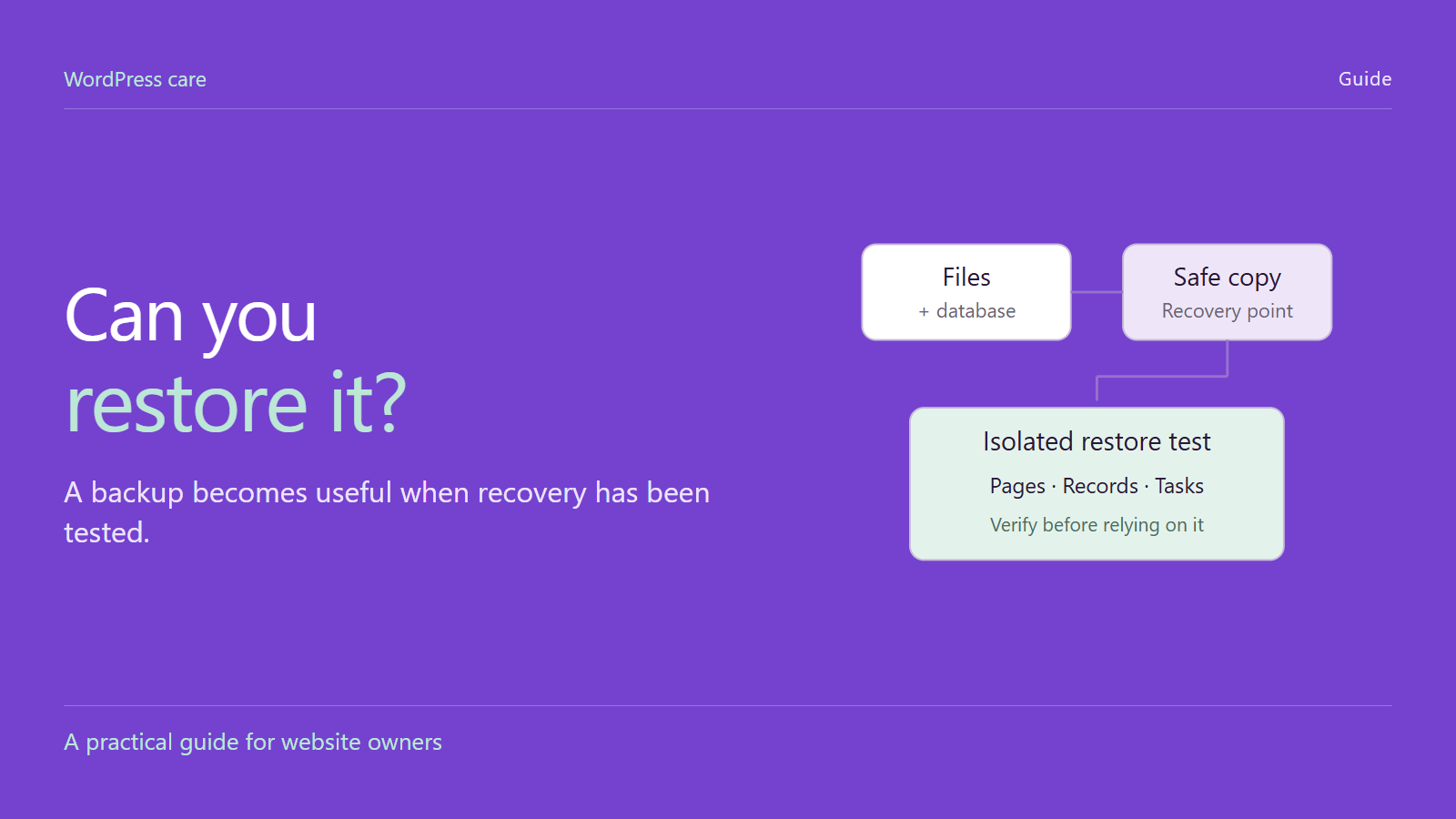
A WordPress backup restore test checks whether your team can recover a usable website from an available copy. It moves the conversation beyond a successful backup notification to the process, access and business checks that recovery requires.
The exercise should happen in a controlled environment. Restoring an old database over a live store can discard recent activity, so a recovery test is not an invitation to experiment on production.
Define what recovery must achieve
List the functions that matter to the business: access to important pages, service inquiries, orders, account access or another critical route. Agree who will decide whether those functions have recovered and what evidence they need.
Also discuss the acceptable interruption and the amount of recent data the business could tolerate losing. Those are business requirements, not values a backup plugin can choose for you. Record the difference between the desired recovery outcome and what the current process has demonstrated.
Check the backup scope and recovery point
The WordPress backup documentation distinguishes the site’s files from its database. A recovery plan needs the components appropriate to the site, not an assumption that one archive contains everything.
Identify the copy’s timestamp, storage location, retention and access requirements. Confirm whether files and database belong to a compatible recovery point. Include relevant configuration and dependencies in the procedure, and make sure access to the backup does not depend solely on the system you are trying to recover.
Prepare an isolated restore environment
Have the technical owner restore to a separate test location. Restrict access and prevent the restored application from sending real customer messages, charging payments, triggering fulfillment or synchronizing test changes into live systems.
Do not assume a staging label disables those actions. Review scheduled tasks, mail settings, payment modes and external integrations explicitly. The exact controls depend on the site. Use a documented procedure and an authorized person who understands the connected systems.
Verify behavior after the restore
A homepage loading successfully is a useful first check, not a complete acceptance test. Review representative media, important URLs, administrative access and the business functions agreed at the start. Compare selected records with the expected recovery point.
- Can the required pages load and display the correct content?
- Can an authorized user access the functions they need?
- Do safe form tests preserve the expected information?
- Are the required products, orders or other records present as of the backup?
- Are external actions still isolated while testing?
Record failures precisely. “The form failed” is less useful than identifying the form, test data, visible response and destination where the record should have appeared. Keep test information separate from genuine customer activity.
Plan for data created after the backup
Consider an illustrative store restored from a midnight copy after a problem discovered at noon. Orders placed during the intervening period may require reconciliation with payment, fulfillment or other independent records. The restore does not automatically reconstruct that history.
Agree who assesses the gap and how reconciliation would happen. A store with frequent transactions may need a different backup frequency and recovery approach from a rarely changed brochure site. Choose the approach around the workload and consequences, not a generic schedule.
Document observed recovery time and ownership
Record the selected copy, the steps taken, access problems, elapsed time and verification results. Separate time spent waiting for help from time spent restoring or testing; each may suggest a different improvement. Name an escalation contact and a fallback when the usual owner is unavailable.
If the original issue involves suspected compromise, restoring a copy is only part of the work. The team must select an appropriate clean recovery point and address the cause before returning the site to normal operation.
Repeat when the risk or system changes
Revisit the exercise after major platform changes, new integrations, ownership changes or a change in business requirements. Use the last test to improve the next one. A written procedure that another authorized team member can follow is a stronger outcome than an undocumented successful demonstration.
Ask Armada about your WordPress backup and restore process. Bring the current backup scope and the customer tasks that recovery needs to protect.
