
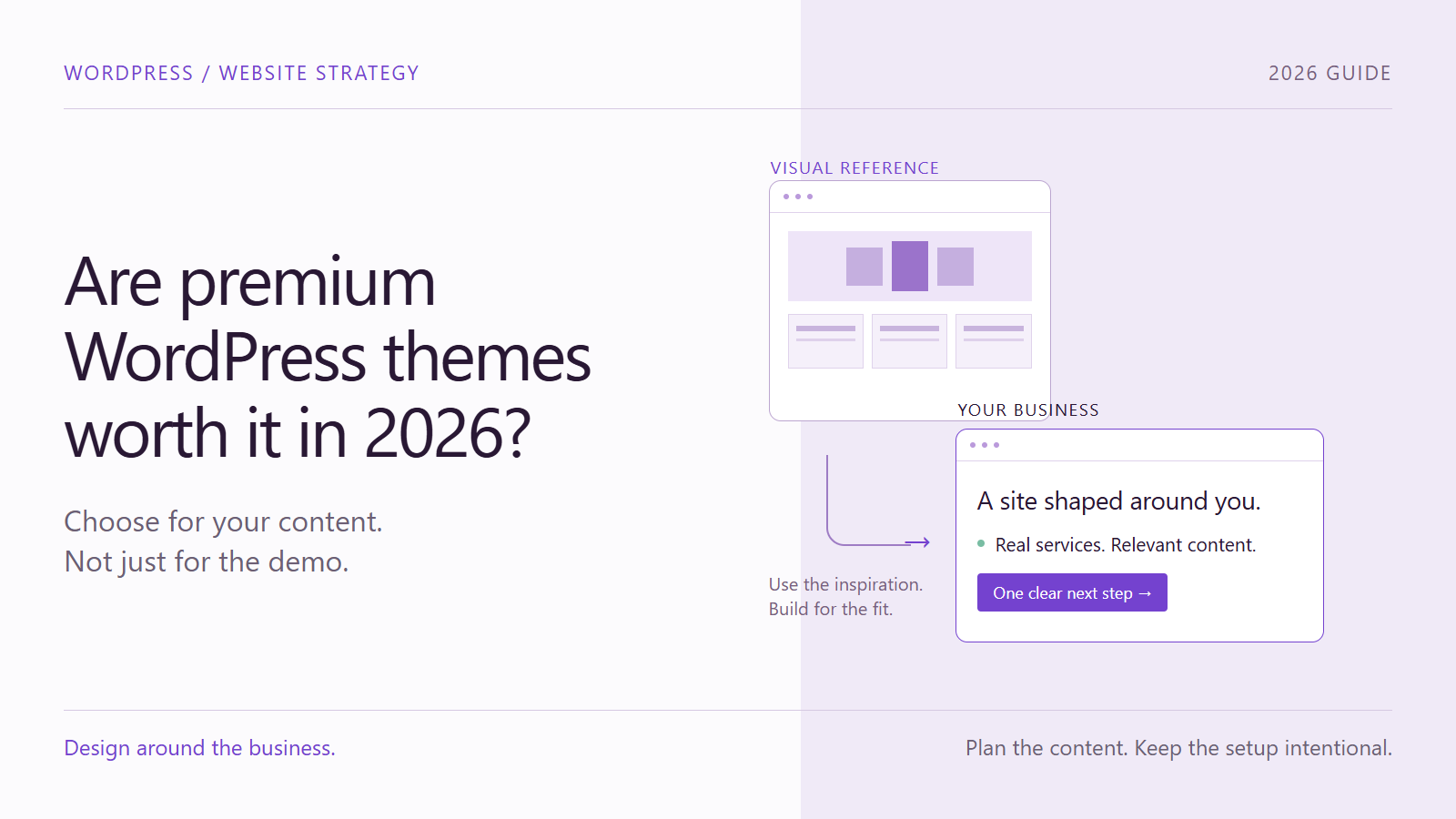
Are premium WordPress themes worth buying in 2026? Sometimes. But a beautiful demo is not enough reason to buy one. The real question is whether the theme fits your content, the way your team will manage the site and the maintenance you can sustain.
A marketplace demo makes that decision feel simple. The photography is polished, the headings fit perfectly and every section looks complete. You can already imagine your business in that layout. Then you import it, replace the content and discover how much of the design depended on material you do not have.
At Armada, our preference is to use those demos as visual references, not as a ready-made structure every business must fit. We agree on a design direction with the client, develop the content together and build the website around that content. Here is why that distinction matters.
A theme demo sells a finished composition, not just a layout
A convincing demo brings several things together: photography, copy, typography, spacing, motion and a carefully balanced amount of content. Buying the theme gives you a technical starting point, but it does not automatically give your business the ingredients that made the preview persuasive.
Think about a homepage with six services, eight projects, a team section and several testimonials. A small business may offer two services and have no approved case studies yet. Removing the other sections changes the page’s rhythm. Keeping them means finding useful content for spaces that might never have belonged in the project.
The opposite happens too. You may already have detailed, well-structured content that does not fit the demo’s short cards or fixed composition. Cutting an important explanation to preserve a template is not a good trade. The design should support the information, not decide how much of it you are allowed to communicate.
The costs a beautiful preview does not show
1. Importing the demo can become a cleanup project
Depending on the package and import options, a demo can bring in alternative homepages, sample posts, navigation menus, media, widgets and plugin settings. Some importers let you select only what you need. Others require more sorting afterward.
That is not automatically a technical disaster, but it is work. Someone must distinguish the real pages from the examples, rebuild navigation, check links, remove irrelevant content and verify that nothing unfinished is publicly accessible. Repeated imports can make the inventory harder to understand.
An unused page in the database does not, by itself, prove that the homepage loads slowly. Administrative clutter and front-end performance are different problems. The point is that both deserve checking instead of assuming the import produced a launch-ready site.
2. Bundled plugins can complicate updates and ownership
A theme may include premium plugins for sliders, layouts or other features. Included does not mean pirated or unlicensed. Under Envato’s bundled-plugin model, access comes through the theme purchase rather than a separate plugin purchase code. Updates and support are handled through the theme author. Buying a standalone license can provide a direct update and support route.
That distinction matters when an update is urgent. Before committing, ask who supplies each update, how promptly it becomes available and what happens if you later change themes. Check the actual license and renewal terms for the product you are considering. A separate purchase may be reasonable, but it should be an informed budget decision, not a surprise after launch.
A license activation notice is not the same thing as a vulnerability alert. If a security tool reports a vulnerable component, verify the plugin name, installed version, affected versions and available fix. Do not dismiss a genuine security warning as a sales message, and do not assume buying a license alone applies the patch.
WordPress’s security guidance treats security as ongoing risk reduction. Trusted software sources, updates, access controls and recoverable backups still matter whether your theme is free, paid or custom. A paid theme is not inherently unsafe; an unresolved vulnerability is the concern.
3. An impressive slideshow may be difficult to maintain
A layered slideshow can look excellent when its images, text lengths and animation timings have been designed together. Maintaining that result may require skills and time the person updating the website does not have.
Replace one photograph and the text may lose contrast. Add a longer offer and the mobile composition may break. Change a slide and discover that several responsive settings also need attention. The feature is not necessarily bad; it may simply be a poor fit for the team’s editing routine.
Before choosing it, ask the future editor to replace a headline and image in a test environment. If routine changes are difficult, a simpler hero section may communicate the same message with less maintenance.
4. Small businesses should not have to manufacture content for a template
A small company does not need a large website just because the demo has one. It needs enough information to explain its offer, answer the customer’s important questions and make the next step clear.
Writing that information takes judgment. A business owner building a first website may know the service extremely well without being a UX designer or copywriter. Choosing a polished theme does not resolve decisions about page hierarchy, navigation, messaging or evidence.
For example, a local service business might be better served by a clear homepage, two useful service pages, an honest about page and a contact route than by ten thin pages. This is an illustrative structure, not a universal page count. The right architecture follows what customers need to understand.
5. Your photography may not behave like the demo’s photography
Demo images are often selected to fit specific crops, colors and text positions. Your available photographs may have different proportions, busy backgrounds or important details in the area where the template places a heading. Replacing an image is easy; preserving the composition is a design task.
Check whether preview images are included and what rights apply before planning to reuse them. Then work with assets the business can actually obtain and maintain. Authentic team photographs, relevant product images or a restrained illustration system can be more appropriate than trying to imitate an unrelated company’s visual world.
6. The purchase price is only part of the cost
A low initial price can still lead to a time-consuming project if the layout needs extensive adaptation, content must be rewritten, premium components need separate purchases or routine edits require specialist help. Equally, a well-matched theme can save substantial design and implementation work. The comparison has to include both possibilities.
Performance also needs a real test. Large images and unnecessary scripts can increase what a page must load, while hosting, caching and implementation affect the result. The WordPress optimization handbook describes performance as a combination of factors. Do not judge speed from the number of plugins alone, and do not treat a custom layout as automatically fast.
Our approach: use the inspiration, build for the business
Step 1: Collect visual references with the client
We can still visit theme marketplaces. The purpose changes: instead of immediately buying a package, we save reference links and discuss what makes each example suitable for the project.
Is it the typography? The generous spacing? A restrained color palette? The relationship between heading sizes? A particular way of presenting services? Naming those qualities gives the conversation more direction than simply choosing the prettiest demo.
We then develop a coherent visual identity informed by those references, rather than reproducing another site’s copy, code, artwork or entire composition. One reference might inform the typography while another helps explain the desired page rhythm.
Step 2: Build the content and information architecture together
Next, we work with the client on what the website needs to say and how visitors should find it. We identify the real services, customer questions, available evidence and desired actions, then organize the pages and navigation around them.
Existing content is an input to the design, not an inconvenience to squeeze into a purchased layout. If an important section needs more explanation, the layout can accommodate it. If there is no useful reason for a section, we do not add it just to resemble a demo.
Step 3: Apply the visual system to the real material
With the structure and content taking shape, we apply the agreed typography, spacing, colors and component styles. We design with realistic heading lengths and available images, including their mobile presentation.
This makes visual quality part of the actual project. It does not depend on pretending that a small business has the same content library as a marketplace showcase.
Step 4: Keep the WordPress setup intentional
Our preferred approach uses one main page builder with a suitable lightweight theme, plus only the additional functionality the project genuinely needs. It avoids importing an entire demo package simply to borrow its appearance.
This is not a promise of a theme-free or literally one-plugin website. A conventional WordPress site still uses an active theme, as explained in the WordPress theme documentation. Forms, commerce or other requirements may justify additional plugins. A block-theme approach may also suit some projects without a separate builder.
The goal is a small, understandable set of dependencies, with clear licensing and update responsibilities. A page builder still stores data, needs maintenance and can create its own dependency. Starting clean helps avoid unnecessary demo leftovers; it does not guarantee an empty database, perfect security or effortless migration.
Step 5: Test the site and the editing experience
Before handover, check navigation, forms, links, mobile layouts and representative page performance. Then test common editing tasks: change an image, update a service description and add a new section using the agreed components.
Document the necessary plugins, renewal responsibilities and update process. A coherent setup can make troubleshooting easier because the team knows what each component does. That benefit comes from intentional design and documentation, not simply from calling the website custom.
When are premium WordPress themes worth buying?
A paid theme can be a sensible choice when its structure already fits your real content, its required components are appropriate, the update route is clear and the person maintaining the website can use it confidently. A focused, well-supported theme may be more economical than a more bespoke build.
Before purchasing, answer five questions:
- Does the layout work with the content and images we actually have?
- Which plugins are required, and who provides their updates?
- What will licenses, renewals, setup and ongoing editing cost?
- Can our team make routine changes without rebuilding the design?
- How much of the demo will we need to remove or redesign?
If the answers are unclear, buying the theme has not solved the project’s main decisions. It has only committed you to a starting point.
Choose the website you can use, not just the demo you admire
The issue is not paying for design. It is buying a visual promise before checking whether it fits the business. A compelling website needs relevant content, suitable imagery, a clear structure and a maintenance plan, regardless of how its theme was obtained.
At Armada, we prefer to agree on the visual direction, develop the content with you and build a focused WordPress site around those decisions. The aim is a website that looks right because it was designed for your business, not because you managed to preserve someone else’s demo.
Considering a theme purchase or struggling to make an imported demo work? Explore Armada’s website creation service and talk to us about a website shaped around your content, your goals and the way your team works.
