
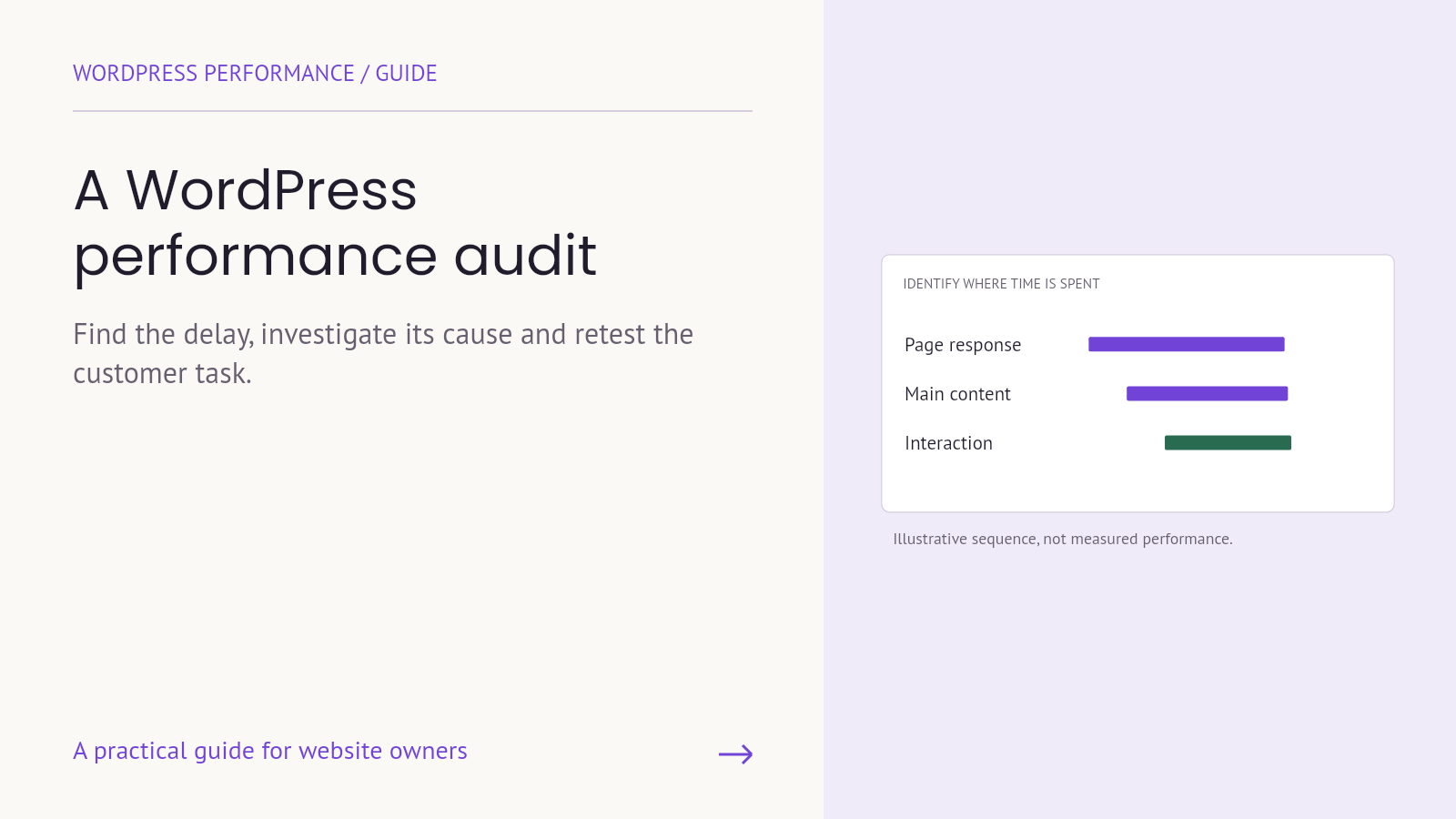
A website can feel slow for several different reasons. The page may take too long to show its main content. A menu may respond late. A banner may move the button someone is trying to press. Treating all three as the same problem can lead to a collection of optimization settings without a clear improvement.
A WordPress performance audit should turn a complaint into evidence, identify a likely cause and define a safe next action. Its output is not simply a score. It is a prioritized set of findings that a technical team can investigate and verify without breaking the tasks customers came to complete.
Choose a page and a customer task
Begin with a small, meaningful sample. Include pages that support important business activity: a campaign landing page, a service page with an inquiry form, or a product page and its path to checkout. A homepage alone may not represent the site’s templates, media or integrations.
Write the task next to each page. “Open the service page and submit a valid inquiry” is more useful than “test the website.” For a store, define the product option, cart action and checkout step you will inspect. Use a safe test method agreed with the store team; do not create unintended purchases or send test requests into an unprepared production workflow.
Record the device, browser, connection assumptions and whether the visitor is logged in. Note overlays, consent choices and third-party widgets that affect the route. These details make later comparisons more meaningful.
Separate the symptom from the diagnosis
Describe what you observed before deciding why it happened. “The product image appears late” is an observation. “The hosting is too slow” is a diagnosis that needs evidence. Keeping them separate prevents the team from treating an early guess as the final explanation.
Google’s Core Web Vitals guidance distinguishes loading performance, interaction responsiveness and visual stability through Largest Contentful Paint, Interaction to Next Paint and Cumulative Layout Shift. These measures help organize an investigation, but they do not replace a functional check of the customer task.
For example, a form may respond quickly and still send its data to the wrong destination. An image may load efficiently but omit the detail a buyer needs. Performance is one part of a usable experience, not a substitute for content accuracy or reliable operations.
Use field and lab evidence for different questions
Field data reflects experiences collected from real users; lab testing runs in a controlled environment. The two can differ because they represent different conditions and populations. A lab result is useful for investigating a repeatable issue, while available field data can help assess whether a problem appears in actual usage.
Check the scope of the evidence. Is a report showing the exact page, a group of similar pages or the broader site? Does it contain enough information to support the conclusion? If field data is unavailable, say so. Missing data is not evidence that the experience is good or bad.
Repeat comparable lab tests and keep the conditions in the record. Avoid comparing one unusually good run against one unusually poor run. Record the observation that matters to the customer alongside the technical result.
Investigate the likely causes in a useful order
1. Check the media delivered to the page
Review the dimensions and weight of important images, the versions delivered at different screen sizes and whether the chosen format preserves the detail users need. A product close-up and a decorative background may need different treatment.
Image delivery guidance includes matching resources to their display context. Do not apply lazy loading indiscriminately to prominent content without checking its effect. Confirm the actual resource downloaded by the browser, not only the settings shown in an image plugin.
2. Review scripts and integrations with their owners
List embeds, tags, chat widgets, tracking tools and plugin features used on the page. Ask what each one contributes and where it is required. A feature that is unnecessary on a service page might still be essential elsewhere.
Do not remove scripts solely because they appear in a report. Coordinate with the person responsible for the related business process, test the change and confirm that required functionality remains available. The question is what the page needs and when it needs it.
3. Inspect server response and application work
Where evidence points to a response delay, investigate hosting resources, application behavior, database work and cache configuration. The WordPress optimization documentation describes performance as involving several layers, rather than one universal setting.
Ask the technical team to connect the proposed change to the observed symptom. A recommendation to change hosting, remove a plugin or alter caching should explain the evidence behind it and the expected effect on the selected task.
4. Treat personalized and commerce pages carefully
A cached public page and a customer’s cart do not have the same requirements. Check account states, cart contents, checkout behavior and other personalized functions after cache changes. For WooCommerce, use its caching configuration guidance as part of the implementation review.
The acceptance check should confirm both speed and correctness. Showing the wrong state quickly is not a successful optimization.
Turn findings into work someone can own
Keep each finding concise but complete. Include the page and task, the observed symptom, supporting evidence, the likely cause, the proposed investigation, an owner and the acceptance check. Mark an unconfirmed cause as a hypothesis.
Here is an illustrative finding, not a measured result from a client site: “On the mobile product page, the main image appears after the surrounding content. Inspect the delivered image and its request timing. If a change is made, repeat the same page test and confirm that zoom and product options still work.” This is more actionable than “optimize images everywhere.”
Prioritize by customer impact, strength of evidence, effort and risk. A problem that blocks an important task deserves attention even when it is less visible in a headline score. Group related changes only when you can still understand which change produced which effect.
Retest before calling the audit complete
Use an appropriate test environment and a recovery plan for technical changes. After implementation, repeat the comparable performance checks and the complete customer task. Inspect menus, overlays, forms, product options and relevant error states.
For an inquiry flow, confirm that the request arrives and reaches the assigned person. For a store, confirm the selected product state through the agreed test route. Keep a change log so that a later regression can be investigated without relying on memory.
An audit is complete when its findings are understood and assigned; it is not proof that every issue has been fixed. Track investigation, implementation and verification separately so that the business knows what remains open.
Start with one important journey
You do not need to change every part of the site at once. A focused audit of one valuable page and task can create a repeatable process for the rest of the website.
Armada provides managed WordPress hosting and technical support. Contact Armada with the page, device and customer task that feels slow so the next conversation starts with a specific problem and a useful investigation.
