
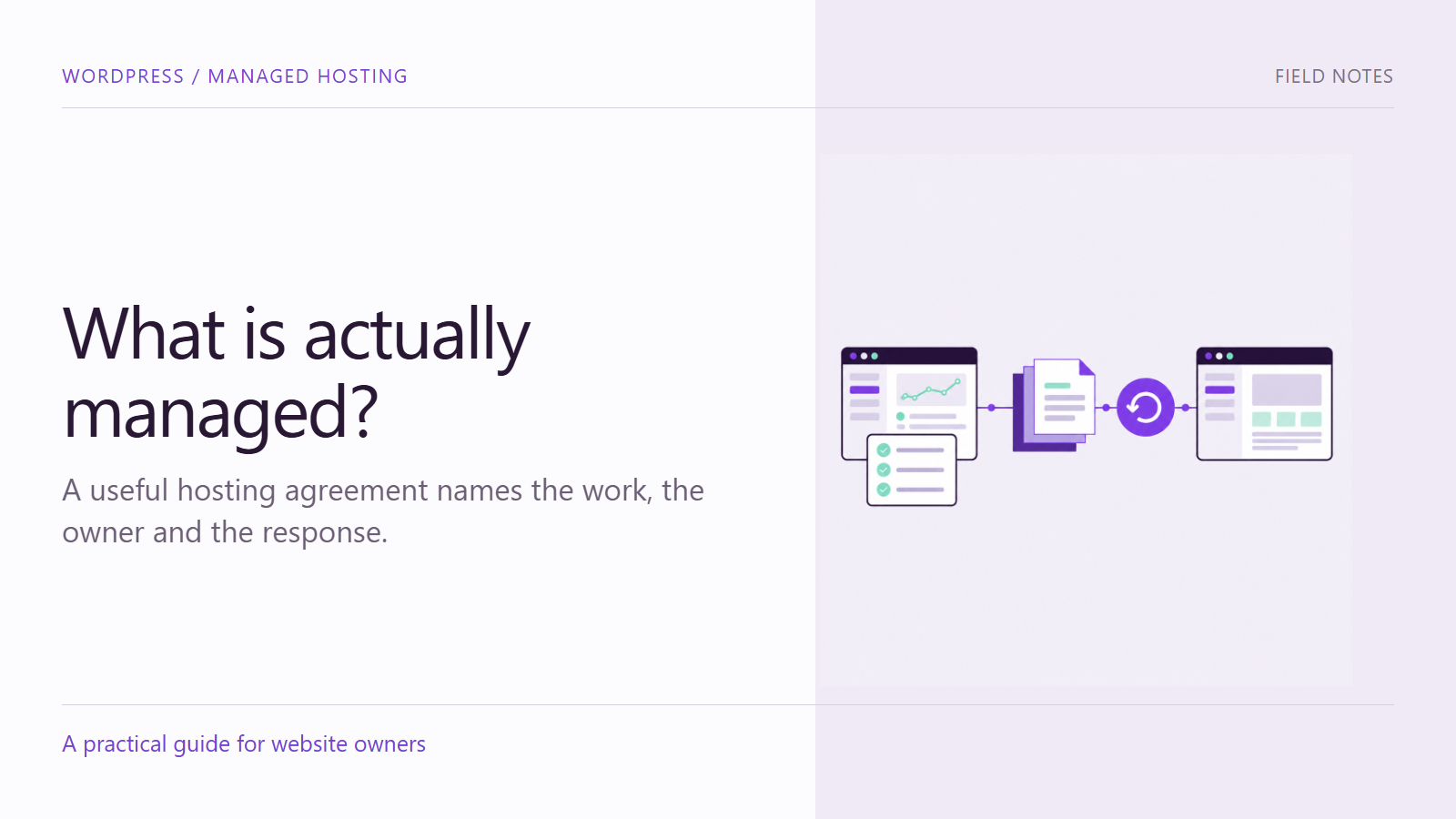
Two hosting plans can both use the word “managed” while describing different work. One may monitor infrastructure and maintain the server. Another may also investigate application problems, coordinate updates and help restore the site. A feature label alone does not tell a business who will act when something breaks.
When comparing managed WordPress hosting, ask for a clear division of responsibility. For each task, understand what is covered, who performs it, how an issue is reported and what remains with your team. That conversation is more useful than comparing a list of reassuring terms without their scope.
Start with the website your business actually runs
List the important functions: inquiry forms, checkout, subscriptions, member access, downloads or external integrations. Identify which parts would interrupt business activity if they failed. A small information site and a busy store may need different recovery arrangements even when both use WordPress.
Bring this context to the provider. Explain when the site changes, who authorizes changes and which systems receive its data. Do not assume that a hosting agreement includes responsibility for a separate payment provider, CRM subscription or marketing automation account.
1. Monitoring: who owns the response?
Ask what is monitored and what an alert means. A server responding does not establish that a customer can submit a form or complete a purchase. Clarify whether checks concern availability, resources, application behavior or agreed customer tasks.
Then ask who receives an alert, who investigates it and how it is escalated. Record the contact route and any response commitments in the agreement. Avoid treating a marketing phrase as an operational guarantee. Your team should know how to report a problem that automated monitoring has not detected.
2. Backups: what can actually be recovered?
The WordPress backup documentation distinguishes the site’s files from its database. A recovery plan for a typical WordPress site needs both. Ask what is included, how frequently copies are taken, how long they remain available and where they are stored.
Connect the backup schedule to the pace of change. For an illustrative store receiving orders throughout the day, restoring an older database could remove information created afterward unless a recovery process accounts for it. The relevant question is not simply whether a backup exists, but what recovery would mean for the business.
3. Restores: who tests the recovery?
Ask who can initiate a restore, who approves it and where it can be tested safely. Confirm how the provider distinguishes a failed update from a compromised site or a data problem. Those situations may require different recovery decisions.
Agree on the checks that follow restoration. The homepage loading is only one observation. The team may also need to verify a form destination, account access, the relevant product state and integrations. Establish how recent orders or inquiries will be reconciled before replacing production data.
Keep a record of the recovery point, the action taken and the checks completed. A controlled restore exercise can reveal missing access or unclear ownership before an urgent incident. It should be planned with the people responsible for the site’s operations.
4. Updates: what happens before and afterward?
Clarify the scope of updates to WordPress, themes and plugins, including any licensed components. Ask how changes are evaluated, whether a suitable test environment is used and what recovery route exists if an update affects an important function.
Define a short customer-task checklist for the site. For a service business, that could include finding a service and completing an agreed test inquiry. For a store, the scope may include options, cart behavior and an approved checkout test. Record what was checked instead of using a vague “all good” status.
Your team still needs to communicate business changes. A provider cannot know that a new campaign depends on a recently added form field unless that dependency is shared.
5. Performance: where does the investigation stop?
A slow experience can involve infrastructure, application code, media or external services. Ask what the provider investigates and what requires separate development or coordination with a third party. Agree on how a finding becomes an assigned action.
Give support a reproducible description: the page, device, approximate time and task affected. “The menu responds late on this phone” is more useful than “the website is slow.” An initial observation does not establish the cause, and a single score should not replace investigation of the actual customer experience.
Use a responsibility record
For each of the five areas, keep a compact record of the work, provider responsibility, client responsibility, contact route and exclusions. Where two parties share a task, identify the handoff. “Both teams” is not enough if neither knows who starts.
Review access and approval arrangements as part of onboarding. The business should understand who controls its domain, administrative accounts and important subscriptions. Document a practical exit or migration process without assuming that changing providers will be immediate or effortless.
Compare managed WordPress hosting against your needs
Armada’s managed hosting service describes backups, monitoring, maintenance and performance-related support. The appropriate next step is to compare the service scope with your site’s functions and responsibilities, not to assume that every possible task is included.
Contact Armada with your website, critical functions and current support gaps to clarify what should be managed and who should own each next step.
