
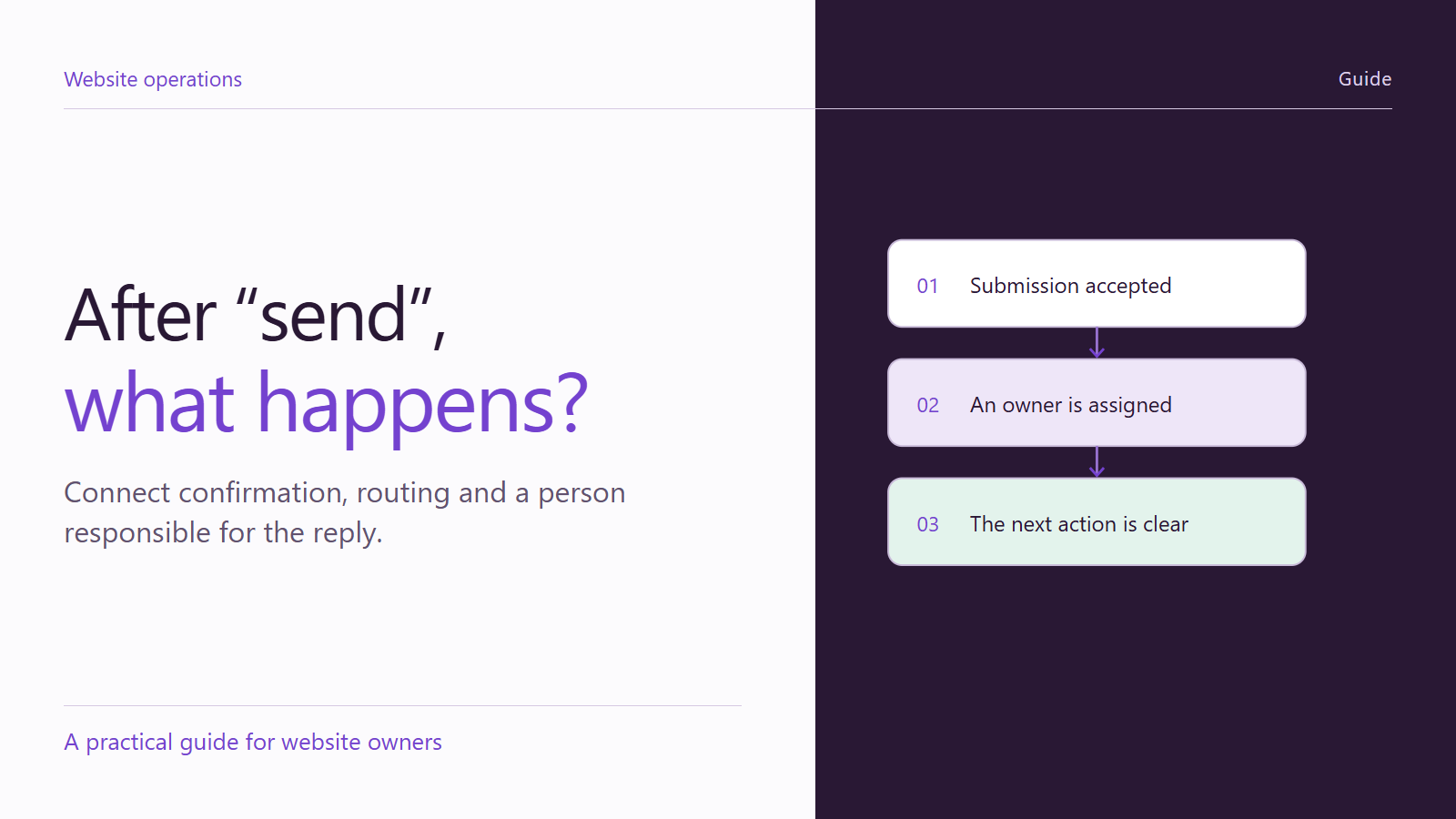
Your website displays a success message after a visitor submits an inquiry. That confirms only the part of the process the interface is designed to report. It does not, by itself, establish that the right person received the request or knows they should respond.
A reliable contact form workflow connects the visitor’s action with a useful confirmation, a record in the appropriate system, an assigned owner and a follow-up process. Reviewing that complete route can reveal problems that a visual inspection of the form will miss.
Define what the inquiry is meant to start
Clarify the purpose of the form before choosing fields or integrations. A general question, a support incident and a project quotation need different information and may belong to different teams. Avoid sending everything into one undifferentiated queue unless someone actively manages it.
Write a simple route in plain language: a visitor submits a project inquiry, the record enters the agreed system, a coordinator reviews it and the responsible person replies. Name the people or roles involved and identify the fallback when the usual owner is unavailable.
Ask for information the next person can use
Review each field against the first real action the receiving team will take. Is the information necessary to identify the request, assess its scope or respond? Can a detail be collected later? Distinguish optional context from required information.
Explain unfamiliar fields and give useful examples when the requested format is not obvious. A visitor should not need to understand the company’s internal terminology to ask for help. Avoid requesting passwords or sensitive account information through a general contact form.
The W3C forms tutorial recommends appropriate labels, instructions and validation. These details help people complete the form and understand what to correct. Test keyboard navigation as part of the review rather than assuming a short form is automatically accessible.
Make confirmation match the actual process
The success message should describe what has happened and what the visitor can reasonably expect next. Do not say that a booking is confirmed when the form only sends a request. Do not promise a response time that the receiving team has not agreed it can meet.
If an email confirmation is used, check its content and delivery separately from the on-page message. Confirmations should avoid unnecessarily repeating sensitive details. Make it clear where the person can follow up if they do not hear back.
W3C’s guidance on notifications covers clear feedback for both successful and unsuccessful submissions. When an error occurs, the visitor needs a way to recover rather than a vague message or an apparently unresponsive button.
Choose a dependable record and routing process
Decide where the working record should live. That might be a shared inbox, CRM or service system. The appropriate choice depends on the team’s process; adding a new platform does not solve a lack of ownership.
Check which information arrives, whether attachments are handled appropriately and whether the source page or request type is needed for context. If notifications are sent to several people, establish who takes the first action. Multiple recipients can still leave a request unowned.
Review access as well as delivery. The people responsible for responding need access to the record, but it should not be available to everyone simply because the form integration makes broad sharing easy. Follow the organization’s approved handling and retention arrangements.
Make unanswered inquiries visible
Define a small set of useful working states, such as new, assigned, awaiting information and resolved. Use labels that match how the team operates. A state should tell someone what needs to happen, not merely decorate a dashboard.
Agree how the team identifies a request without an owner or a response. This may be a queue review, an alert or a CRM view. The important requirement is that a real person knows when and how to check it.
Keep service inquiries separate from optional marketing subscriptions. Someone asking about a project should not have to navigate an unclear combination of contact and newsletter choices. Have the responsible team review the wording and handling for the actual business context.
Test the contact form workflow end to end
Coordinate a test with the receiving team and use a clearly identified test request. Record the time, device and route so the result can be traced without confusion. A useful test follows the request beyond the interface:
- Complete the form using the intended fields and review the confirmation.
- Verify that the record reaches the correct destination with the expected information.
- Confirm that the appropriate owner can access and act on it.
- Check the response or follow-up step through the agreed test process.
- Review how missing information and unavailable owners are handled.
Also inspect safe error cases, such as an empty required field or an invalid email format. Integration failure tests need a controlled environment and technical supervision; do not deliberately interrupt a live customer route to see what happens.
Keep the process working after launch
Repeat the check after changes to forms, mail delivery, integrations, access or team responsibilities. Document enough of the route that a new team member can understand it. An automation should have a named owner who can investigate failures and coordinate a fix.
Armada’s website creation work includes technical functionality and integrations. Contact Armada with your current form route and the handoff you want to improve to plan a website process that continues beyond the Submit button.
