
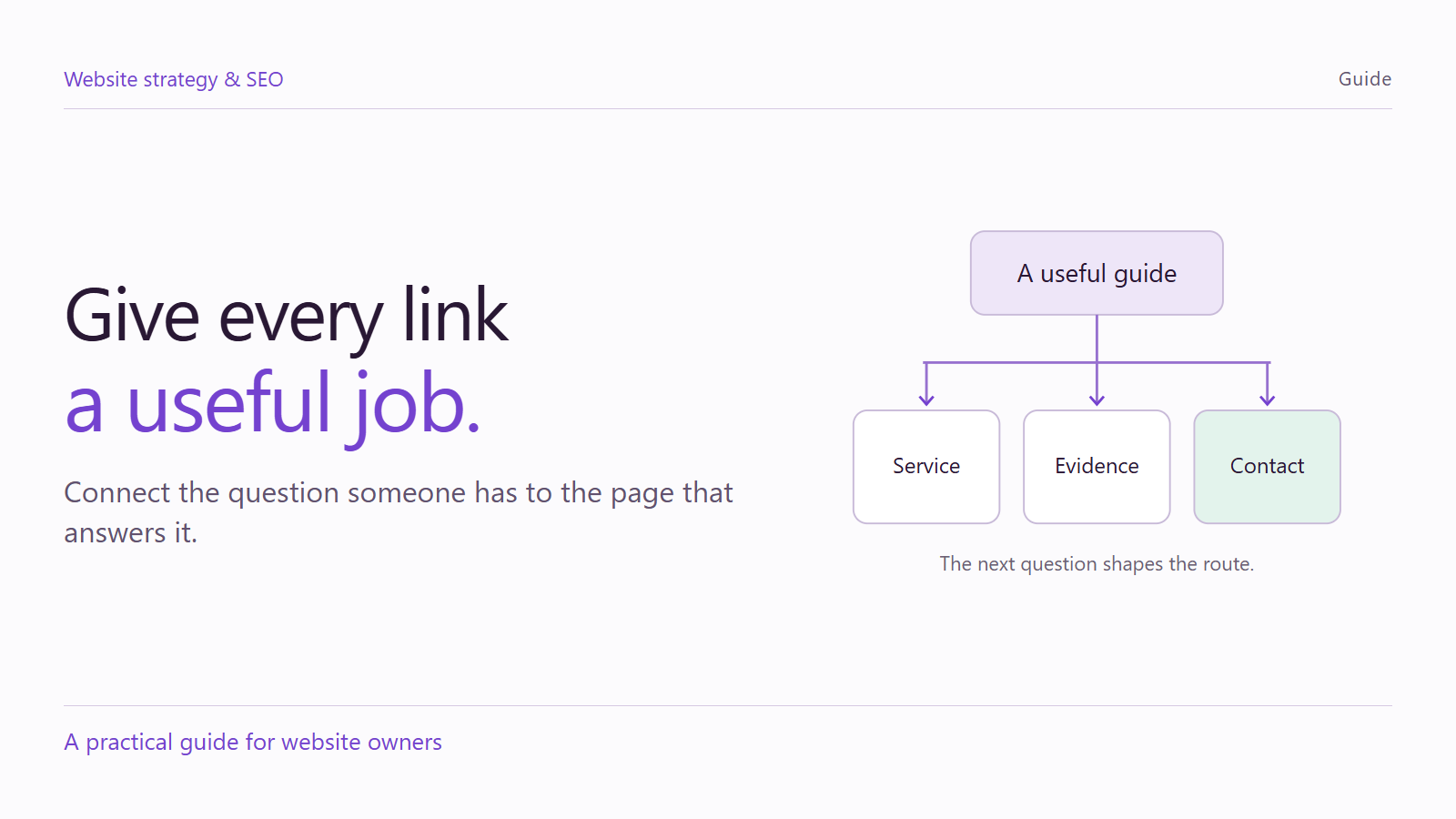
An internal linking strategy connects pages in ways that help visitors continue a useful task. It can also help search engines discover and understand the site, but the starting point should be the relationship between the current question and the next relevant answer.
Adding more links is not a strategy on its own. A link should have a reason to exist, a destination that delivers on its promise and wording that helps the reader decide whether to follow it.
Start with one important journey
Choose a priority page and describe the visitor’s likely task. Someone reading an educational guide may want to understand a problem before considering help. Someone reviewing a service may need evidence, scope details or a way to ask a specific question.
Write down the next useful question. Then find the page that answers it. If no such page exists, decide whether the missing information belongs on the current page or needs a separate destination. Do not create a new page merely to satisfy a linking pattern.
Choose destinations that match the context
An illustrative article about investigating a slow WordPress site could link to an appropriate support service after explaining when technical help may be useful. A product page could link to delivery details where the customer is considering the total commitment.
The connection should be understandable without an SEO explanation. A link to an unrelated service, inserted because a keyword appears once, can interrupt the task. Avoid building routes that send people through several generic pages before reaching the promised answer.
Write descriptive link text
Use wording that identifies the destination or the useful information it contains. “Review our delivery information” sets a clearer expectation than an isolated “click here.” Keep the surrounding sentence readable rather than forcing a long collection of search phrases into the link.
Google’s link guidance recommends crawlable anchor links with an href and useful anchor text. Check that navigation and content links work as actual links, particularly when a builder or custom interaction is involved.
Distinguish navigation from contextual links
Navigation helps people orient themselves across the site. A contextual link helps them continue a particular thought or task. Both matter, but they should not compete by presenting every available destination at every moment.
Use the menu for stable, recognizable sections. Use in-content links when the explanation makes the destination useful. A related-content block can support exploration, but it should contain genuinely relevant choices rather than a large automatic list nobody has reviewed.
Review important pages for isolation and dead ends
A useful page may be technically accessible yet difficult to discover through the site’s ordinary routes. Starting from the homepage or a relevant section, check whether a visitor can find it without knowing its exact address.
At the other end, inspect pages that provide information but no useful way to continue. The next action might be another explanation, a service or contact. It does not always need to be a sales action; choose it according to the reader’s likely readiness.
Make maintenance part of the plan
- List the important source page and destination pairs.
- Record what each link helps the reader understand or do.
- Open the destination and check that the content matches the promise.
- Review the route after URL, service or policy changes.
- Fix outdated links and remove ones that no longer serve the task.
If a destination moves, coordinate redirects with the site owner and update important internal links to the intended current location. A working redirect may preserve access, but it does not make outdated link wording accurate.
Evaluate usefulness, not a link quota
There is no meaningful editorial target that every paragraph must contain a link. Review whether the route supports the task, whether the destination answers the question and whether important pages remain discoverable. Behavioral data can add context, but a click count alone does not prove that the visitor found the answer.
Talk to Armada about the paths through your website. Start with one important page and the question a visitor should be able to answer next.
